
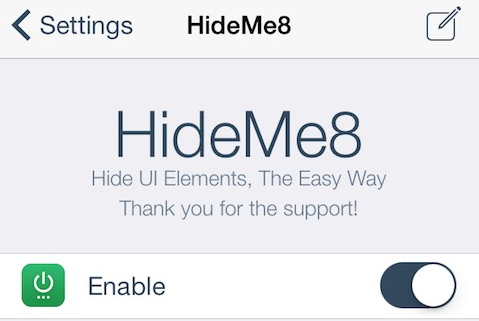
CPDigiDarkroom recently released HideMe8, an updated version of HideMe7 for iOS 7, that lets you easily hide any iOS 8 UI elements without a hassle. With this tweak, you can simply remove any unnecessary elements or items from the App Store, Messages, Music, and any other 3rd-party applications.
HideMe8 brings so many powerful features that I don’t even have to install additional tweak. For example, yesterday I posated a review on NoIconLabels, which will help you remove the labels under each icons but since HideMe8 already included the option I have to remove that tweak (not that I don’t like it anymore).
HideMe8 is the return of the extremely powerful tool you’ve come to know and love. A truly one-stop-shop for hiding UI elements without the need to have half a dozen different tweaks installed. HideMe8 comes with a new preference panel which makes it easy to quickly disable/re-enable many different UI elements which you may or may not find annoying.
You can get rid of small elements like separator lines or dock background to Newsstand icon or badges. HideMe8 will give you access to anything from Control Center, Notifications, Lock screen, to your Springboard - making it possible to have full control over your iPhone or iPad styling.

Go ahead and purchase HideMe8 for $1.99 from the BigBoss repo.


