
Instead of having to tap on a photo that a friend sent you through messaging app to save it you can just use MSGAutoSave to have all of your received images go right to your library. You probably still don’t get it right? I know, it’s really hard to explain this in one sentence. iOS developer Jack aka sharedRoutine just released a tweak mentioned above that help you save a bunch of time by downloading all pictures and video that anyone sent to your iMessage/SMS application to your camera roll.
There are many options that come with the MSGAutoSave tweak. Below is the list:
Resizing Images to 5% - 95%
Resizing Videos to predefined Sizes (640×480, 960×540, 1280×720, 1920×1080)
Confirmation Alert before Saving (so you can deny it for certain Users or Conversations)
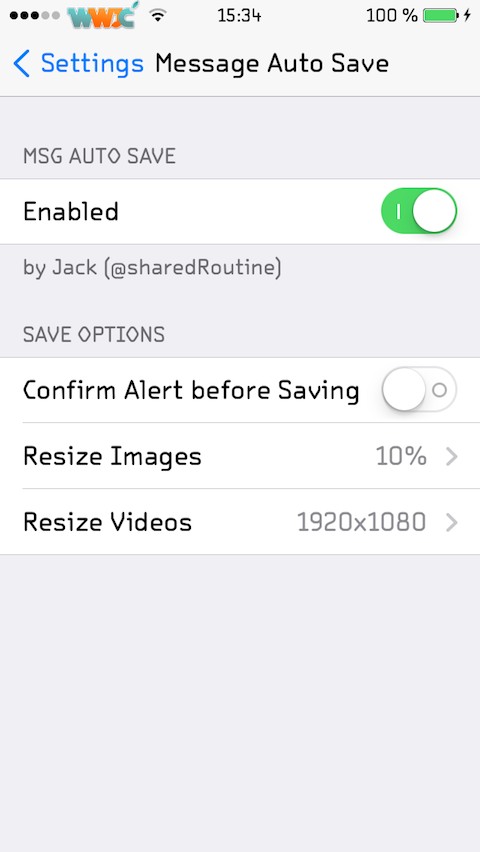
Not only that it will automatically saved photos and other media to your phone, this utility also allows to have control over which one it could download by popup an alert that ask for your permission and resize images if it’s too big. MSGAutoSave is downloadable from BigBoss repository for just $0.99 and it supports iPhone/iPad running on iOS 7+.