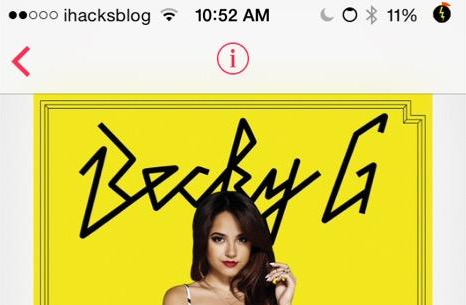
I don’t like the fact that there are many limited features on the iTunes Radio and Apple made it worse by having a “Buy” button included to every of their playing songs as well as everywhere from Control Center to Lock screen.
Yes, I know that didn’t bother some of you but it did for most of the people here including iOS developer cpdigitaldarkroom. That’s why he developed a jailbreak tweak called NevaGonnaBuy. By installing this tweak, you could simply remove all the “Buy” button that displayed on each and every songs from iTunes Radio.
The BigBoss repo is currently hosting NevaGonnaBuy package and you could download it for free from there. You may also want to check out his other tweak called HideMe8 to hide more UI elements and also True iRadio to removes ads from iTunes Radio.